
GitHub Repository Archived
This repository has been archived on and is now read-only.
Description
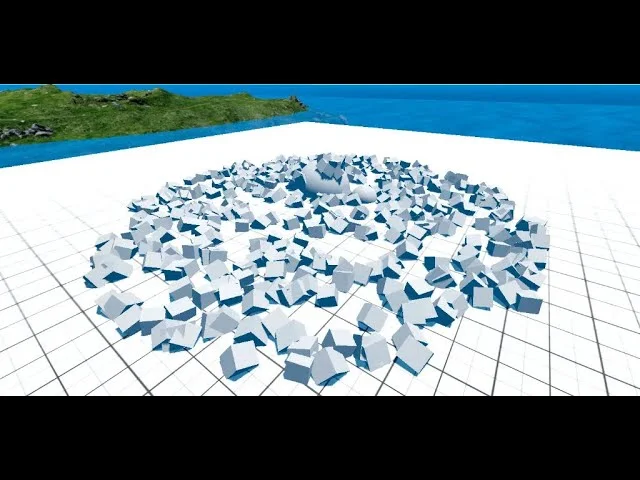
MultiMesh Scatter is a Godot tool for automating mesh placement in a scene. It uses Godot’s MultiMeshInstance system for high performance.
Demonstration


Features
- Automated Distribution: Scatter objects with automatic rotation based on terrain normals.
- Customization: Adjust scatter type, size, collision layers, and randomize scale and rotation.
- Clustering: Group instances into clusters.
- Constraints: Scatter based on terrain angle or vertex color data.
- Optimization: Split the MultiMeshScatter node into chunks for better performance.
Installation & Usage
- Download: Clone the repository or install from the Godot Asset Library.
- Setup: Ensure the
addonsfolder is in your project directory. - Activation: Enable the plugin under Project > Project Settings > Plugins.
- Implementation: Add a
MultiMeshScatternode to your scene.
Technical Notes
- Scattering occurs in the editor when parameters change or the node is moved.
- In-game scattering is executed once during initialization.
- Sphere placement uses capsule-based logic where the horizontal radius (
placement_size.x) determines distribution.
License
Distributed under the MIT License.
Video
External content from YouTube
Open video page 