Google Play Listing Archived
This application is currently no longer available on the Google Play Store.
Description
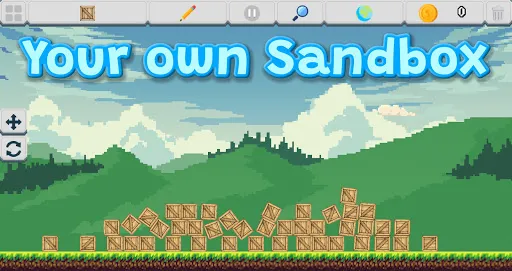
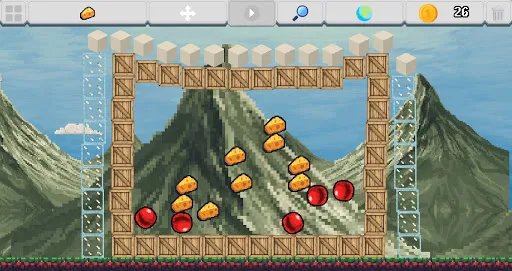
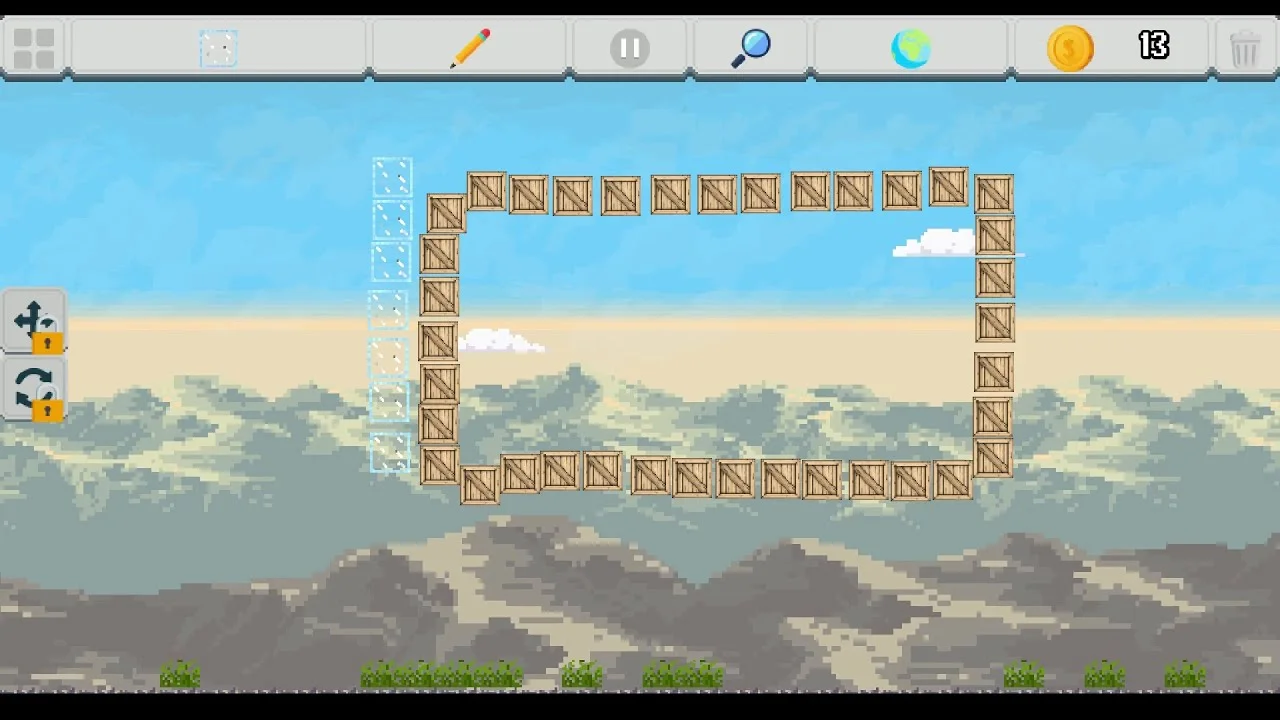
2D Physics Sandbox allows you to build and simulate your own sandbox world. Use the backpack to spawn elements and the toolbox to interact with them. Earn coins by burning and destroying elements or collecting achievements.
Environmental Systems
- Weather & Atmosphere: Add clouds and rain to your sandbox. The cloud density and appearance are dynamically affected by the current world temperature.
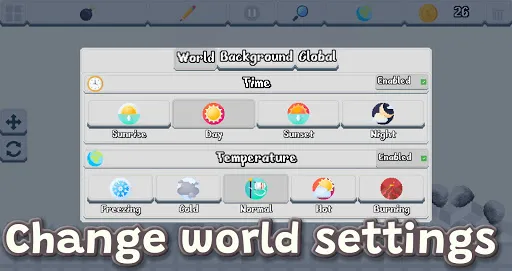
- Day/Night Cycle: The world features a naturally occurring cycle that shifts between Sunrise, Day, Sunset, and Night.
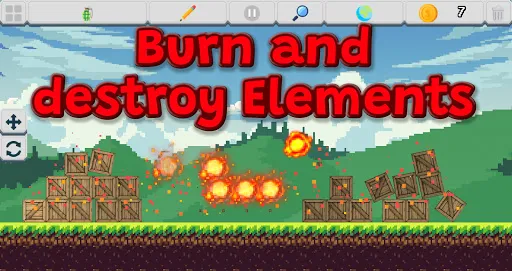
- Temperature & Fire: A temperature system monitors heat levels from “Freezing” (-30°C) to “Burning” (90°C). High temperatures can cause flammable objects to ignite spontaneously.
- Dynamic Fire: Once an object is on fire, it can spread to nearby flammable elements.
- Physics: Adjust global parameters including gravity, friction, and bounciness to change how all objects behave.
Element Categories
- Basic Shapes: Standard building blocks like cubes, circles, triangles, stars, and discs.
- Interactive Objects: Including crates, basketballs, bouncy balls, tires, balloons, and musical notes that play sounds on collision.
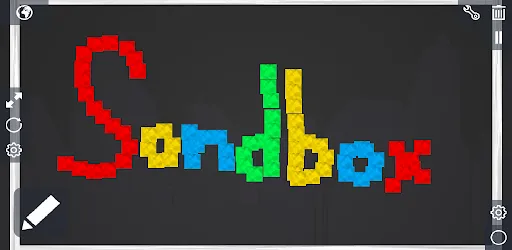
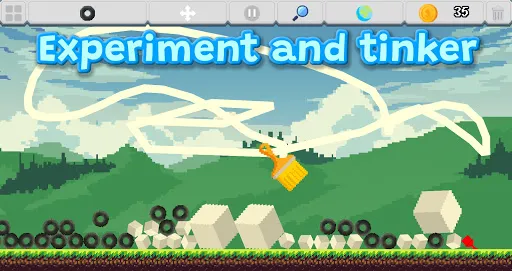
- Tools & Gadgets: Use paintbrushes to draw directly in the world or powered wheels to watch them fly off.
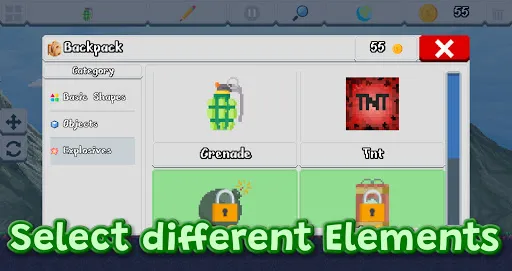
- Explosives: A range of destructive items from simple grenades and TNT to landmines and a powerful nuclear explosive that sends a shockwave across the entire scene.
Toolbox & Interaction
- Spawn Tool: Select elements from the categorized backpack and tap or drag to place them.
- Drag Tool: Move existing objects around the scene.
- Edit Tool: Modify selected objects by changing their size, rotation, and color.
- Delete Tool: Remove elements by touching them.
- Pause System: Freeze the simulation at any time to make precise adjustments or rearrange elements without them moving.
Progression & Economy
- Achievements: Earn points by reaching specific milestones, such as the “Spawner” (spawning elements), “Builder” (using tools), “Pyro” (burning objects), or “Dedicated” (play-time duration).
- Unlocking Content: Start with a basic set of elements and use the coins you earn from achievements and destroying elements to purchase new items.
- Backgrounds: Choose from five different background environments.
Controls
- Spawn: Select elements from the categorized backpack and tap or drag to place them.
- Interact: Use the Move Tool to drag objects and the Edit Tool to modify their size, rotation, and color.
- Global Settings: Access the World Settings menu to change time of day, weather, physical constants, or reset the entire scene.
Screenshots
Trailer
External content from YouTube
Credits
| Asset | Author | Source |
|---|---|---|
| Game assets | Kenney Vleugels | Kenney |
| Game assets | Buch | OpenGameArt |
| Game assets | qubodup | OpenGameArt |
| Game assets | rubberduck | OpenGameArt |
| Game assets | Sinestesia | OpenGameArt |
| Sound effects | Little Robot Sound Factory | Freesound |
| Pixel interface assets | rakkarage | GitHub |
| Game assets | superpowers-html5 | Superpowers |
| Music | Hayden Folker | SoundCloud |
| Game assets | Zeyu Ren 任泽宇 | OpenGameArt |
| Game assets | NYKNCK | itch.io |
| Game assets | aamatniekss | |
| Game assets | Szadi art. | itch.io |
| Game assets | ansimuz | itch.io |
| Game assets | mizuflake | |
| Icons | Pixel perfect | Flaticon |
| Icons | Freepik | Flaticon |
| Icons | Icongeek26 | Flaticon |
| Icons | srip | Flaticon |
| Icons | DinosoftLabs | Flaticon |
| Icons | dmitri13 | Flaticon |
| Icons | Vectors Market | Flaticon |
| Font software | SIL Open Font License, Version 1.1 | License and FAQ |